Scheduling Games
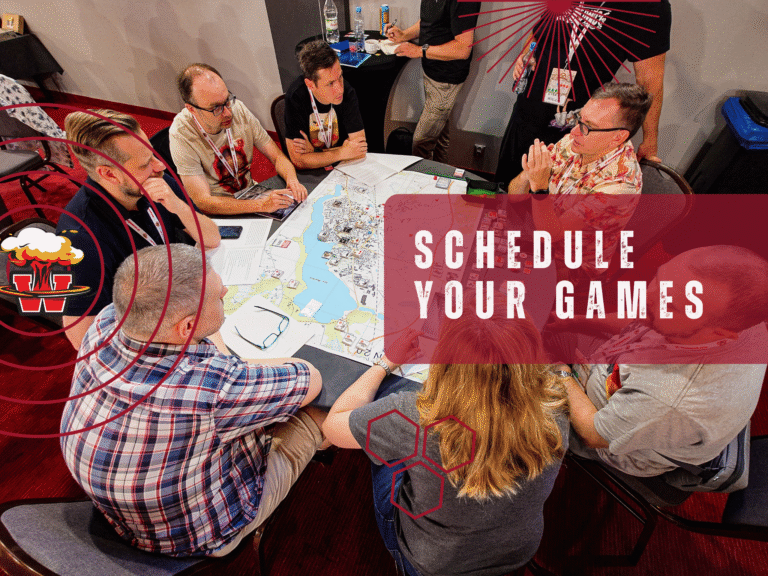
Wargameron is all about playing games and meeting new people. And that means arranging games and finding fellow players.
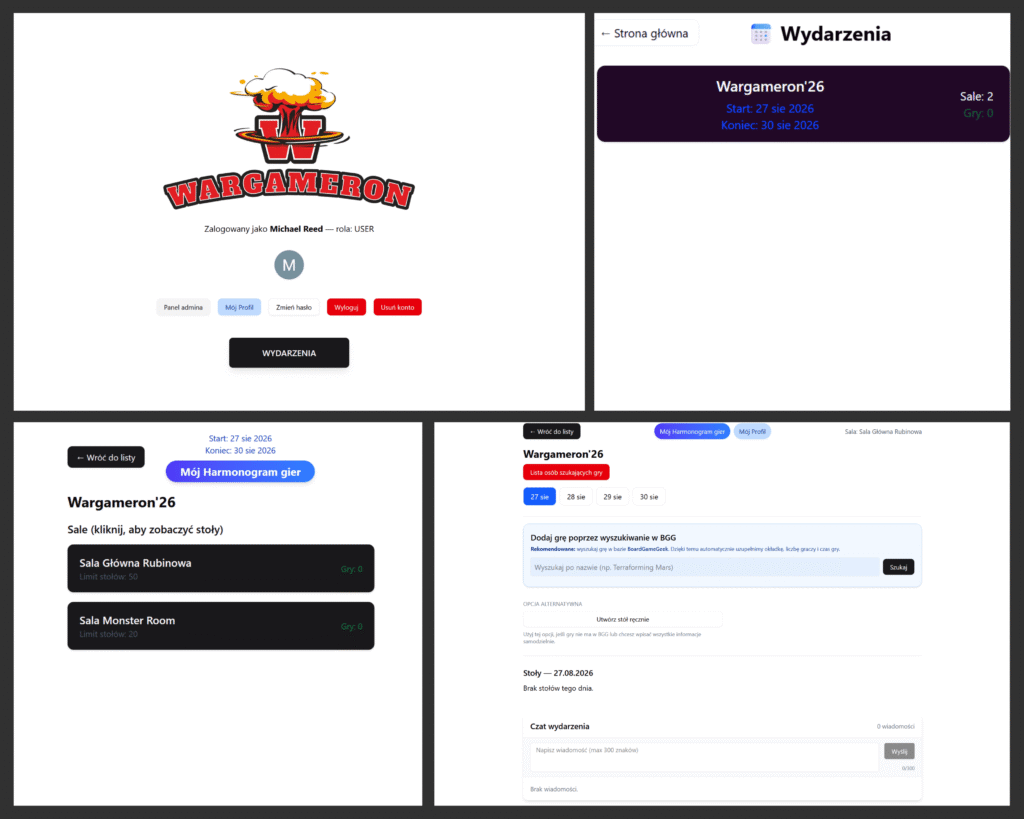
That’s why we’ve prepared a dedicated scheduling app to help you organize your games:
It’s a simple and convenient way to find games and create your own.
Gaming Areas
This year we’ve prepared two spaces for you:
• Main Hall – the epicenter of all events, with 50 gaming tables
• Monster Room – a dedicated space for larger, longer, and more demanding “monster games”
How to get started?
- Log in using your Google account or create a new account
- Select the Wargameron’26 event
- Choose your preferred hall
- Create your own game or join an existing one (the search engine is integrated with the BGG database)
- After creating a game, you’ll receive a table number – you’ll find it later in the hall. Don’t worry about table size; you can always adjust it on-site
- Fill in the game details – remember to add about 30 minutes of buffer time between sessions
- You can also create a table first and assign games to it
- The system will not allow you to join more than one game at the same time
- Didn’t find a game? Use the Looking for Players option
If you have any questions or technical issues, contact us via the Facebook event
or directly reach out to Adam: adam@wargameron.pl